Consumer product review of the USB HD webcam Logitech C505e
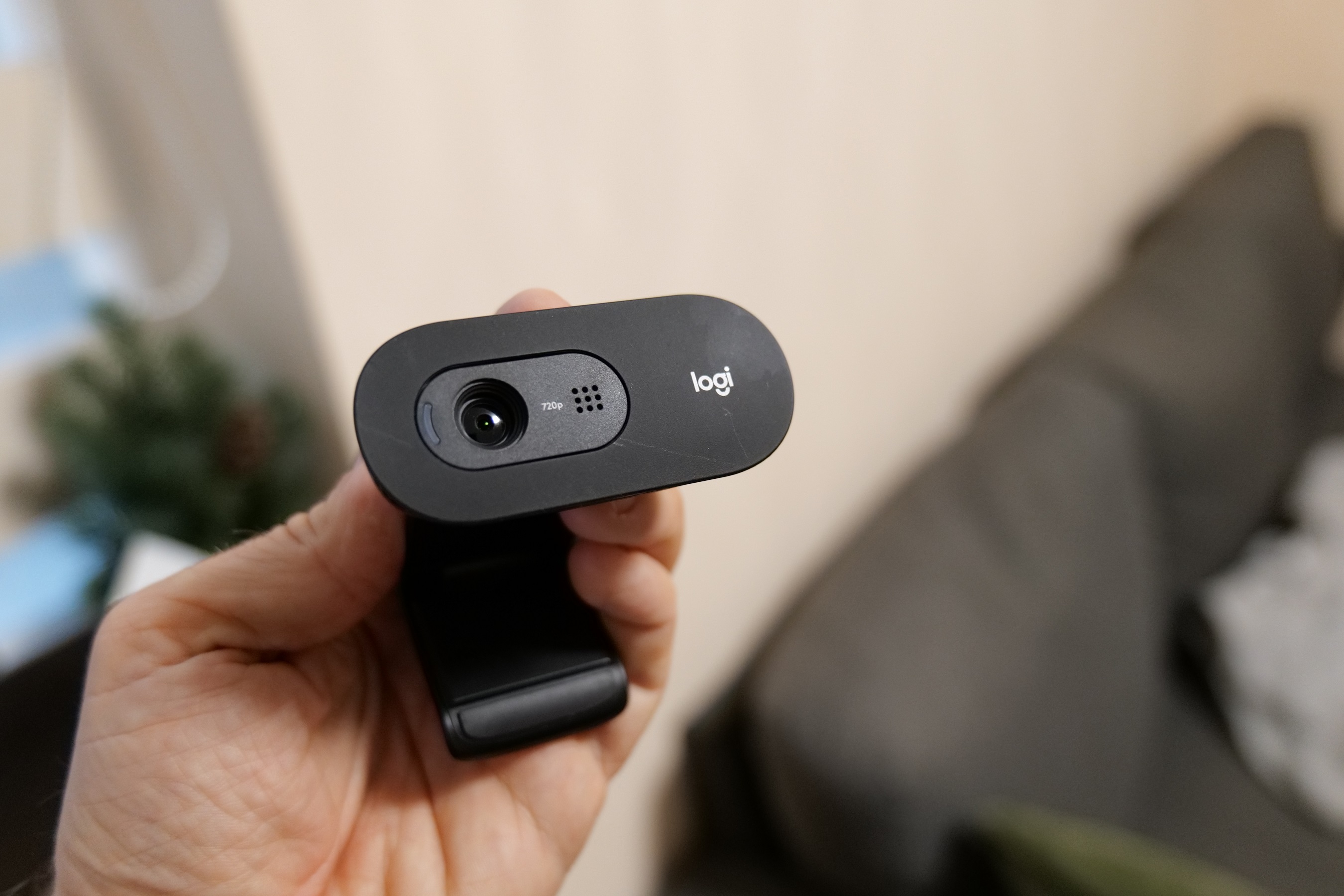
To start this review, I should say there is nothing really special or extraordinary about the Logitech C505e webcam. It is just a PC accessory that I use for quite some time and I believe it is time to give my honest opinion about it.
The Logitech C505e is a USB conference camera designed for use in small to medium-sized conference rooms.
Before we proceed with the actual feedback, here are the main specifications of the Logitech C505e cam:
Logitech C505e webcam specifications
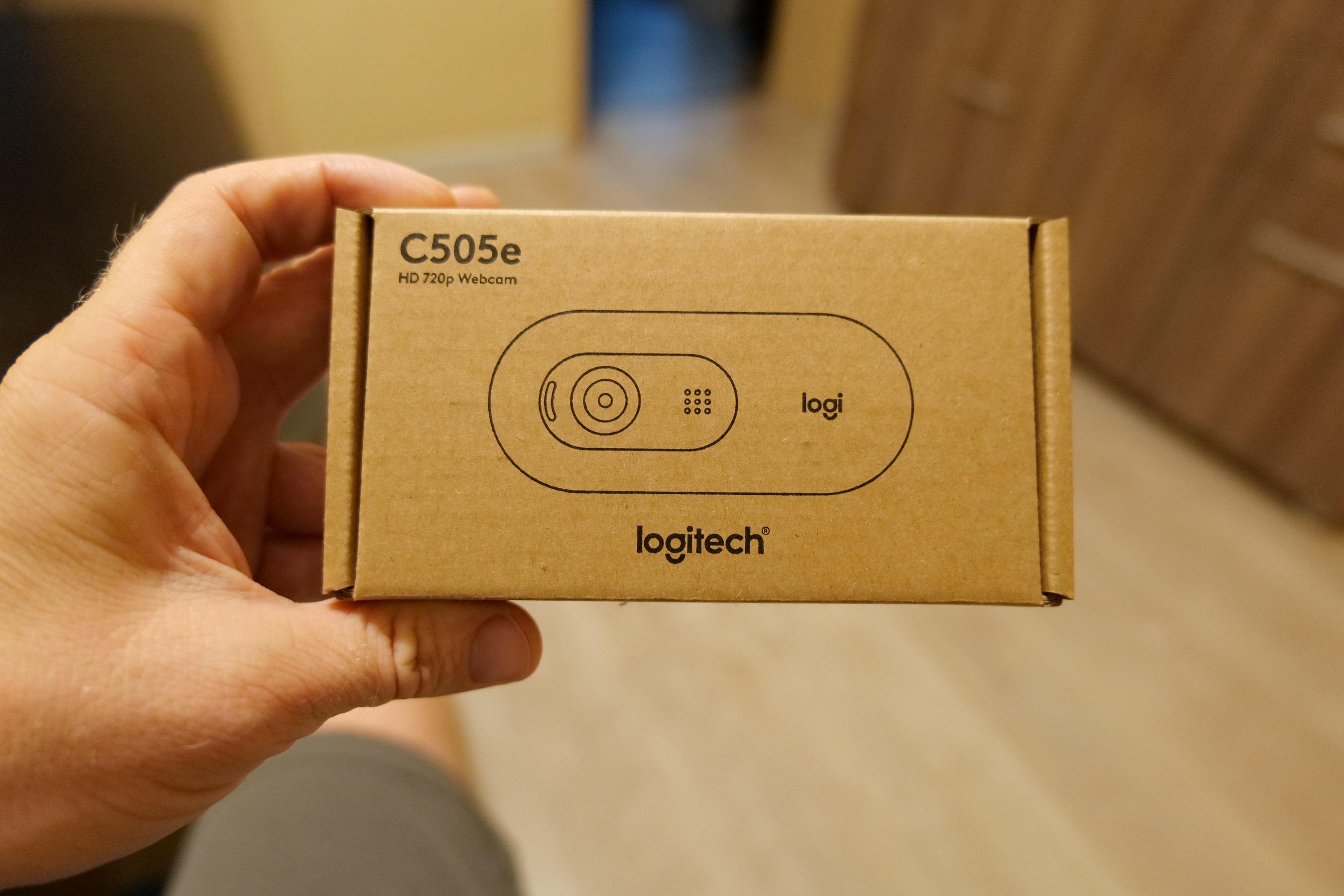
As you can see, just like I mentioned in the beginning, the specs are quite basic as well. The camera also has an integrated privacy shutter for added security. It is designed for use on a flat surface or on a tripod. It does not require additional software or drivers to function, it can be plugged and play.
Some of the Logitech C505e features include:
- HD video: The camera captures 1080p resolution video at 30 frames per second.
- Autofocus: The camera automatically focuses on the person speaking, ensuring a clear and sharp image.
- Pan and tilt: The camera can pan and tilt to capture a wide field of view, making it easy to see everyone in the room.
- Built-in microphone: The camera has a built-in microphone that captures clear audio.
- USB connection: The camera connects to your computer via a USB cable, making it easy to set up and use.
- Compatibility: The camera is compatible with various video conferencing platforms such as Zoom, Skype, and Teams.
Logitech C505e - my feedback in 2022
My first impressions with the C505e webcam were pretty positive. The cam looks and feels well made, like a quality Logitech product. The attachment clip is solid and I had no issues attaching this webcam to monitors from various brands and sizes.
 |
| The mounting clip - easy attachment to monitor |
The audio and video quality are pretty decent. I use the word decent since it stream 720p video with mono sound. But it is not always about more pixels and stereo sound, especially when we are talking about business conference calls. The main goal is to have stable connection with continuous video and sound stream, so no important detail from the meeting is missed.
My Logitech C505e - video
I have already tested the Logitech C505e on Teams, ZOOM and few other platforms and it works just fine.
Other thoughts
I think the MSRP of 55 Euro is a bit high for the specs but I have noticed that these days many Logitech products have premium price stickers.
Of course there is no need to mention that you can find a 720p webcam that is much cheaper than that, brands like Canyon and Hama have many options available.
Some long time ago we reviewed the Canyon CNR-FWC113 which was no more than 20 Euro back then.